
From Animation Chaos to Clip Library Bliss: Rebuilding SpiceX's Character Pipeline
From Animation Chaos to Clip Library Bliss
One library to rule them all. One folder to find them. One workflow to bring them all, and in the editor bind them.
The Pain Point
Picture this: 47 animation files scattered across 12 folders. Names like:
anim_final.glbanim_final_v2.glbanim_final_v2_ACTUAL.glbanim_final_v2_ACTUAL_USE_THIS_ONE.glbanim_final_v2_ACTUAL_USE_THIS_ONE (1).glb
You know the vibe. We’ve all been there.
Every time I needed to tweak an animation, I’d have to hunt through the filesystem like I’m trying to find my keys in a messy apartment. Import settings? Inconsistent. File paths? Broken. Sanity? Questionable.
There had to be a better way.
The Revelation: One Library, Many Clips
Enter anim-lib.glb—a single file containing 45+ animations for the Cleetus character.
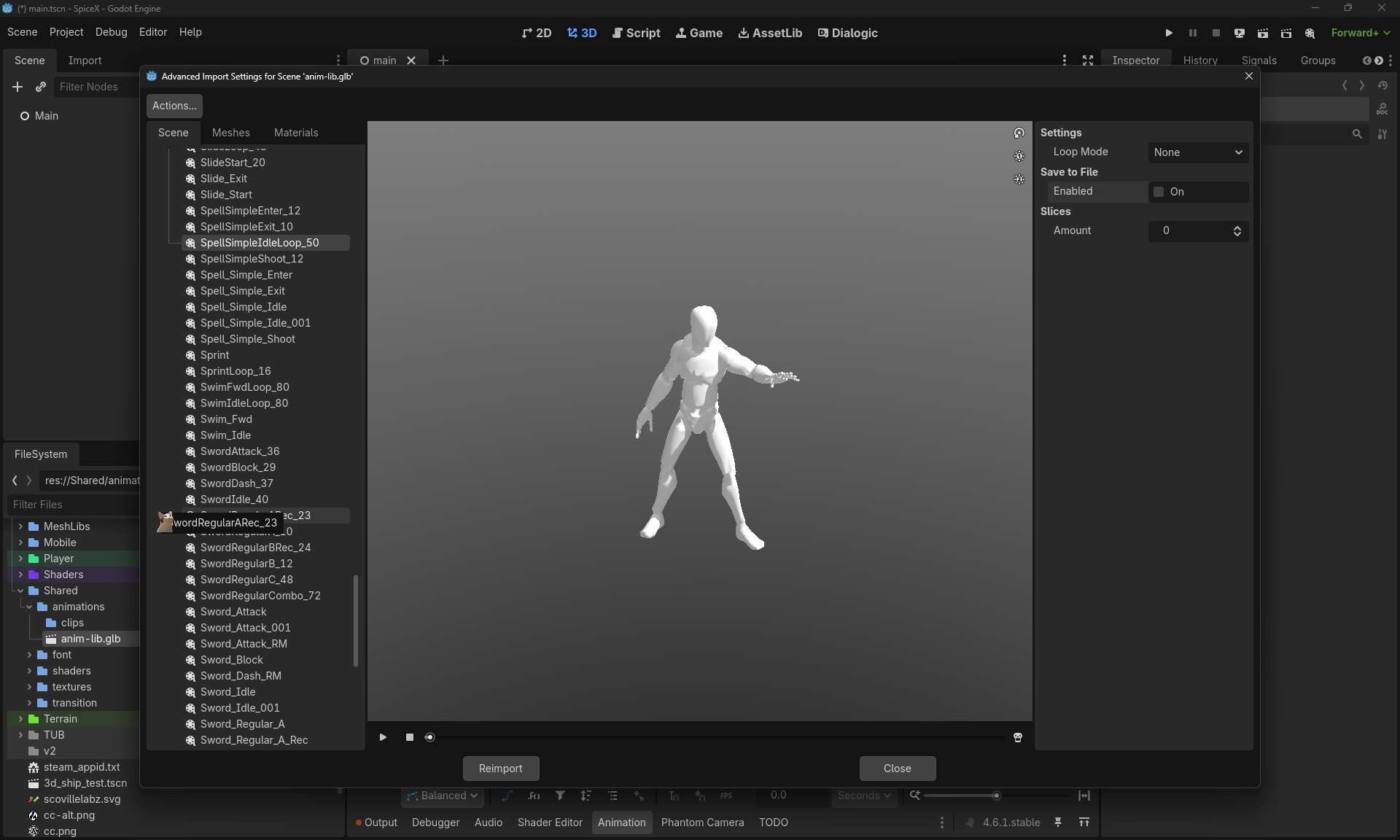
Look at that list. Slide loops, sword combos, spell casting, swimming, sprinting—all in one place.
The magic happens in Godot’s Advanced Import Settings. Instead of importing the whole monolithic file every time, I can:
- Browse the animation library
- Select specific clips (like
SwordBlock_29orSpellSimpleIdleLoop_50) - Extract them as individual
.resfiles - Organize them in a clean
/clipsfolder
The Workflow in Action
Step 1: The Master Library
I keep one authoritative source file with every animation the character might ever need. It’s like having a giant mixtape, but for character movement.
res://Shared/animations/
├── anim-lib.glb          ← The motherload (45+ animations)
└── clips/                ← Extracted individual clips
    ├── SwordBlock.res
    ├── SprintLoop.res
    ├── SpellSimpleIdleLoop.res
    └── ...
Step 2: Selective Extraction
When I need a specific animation, I open the Advanced Import Settings and hunt for the clip:
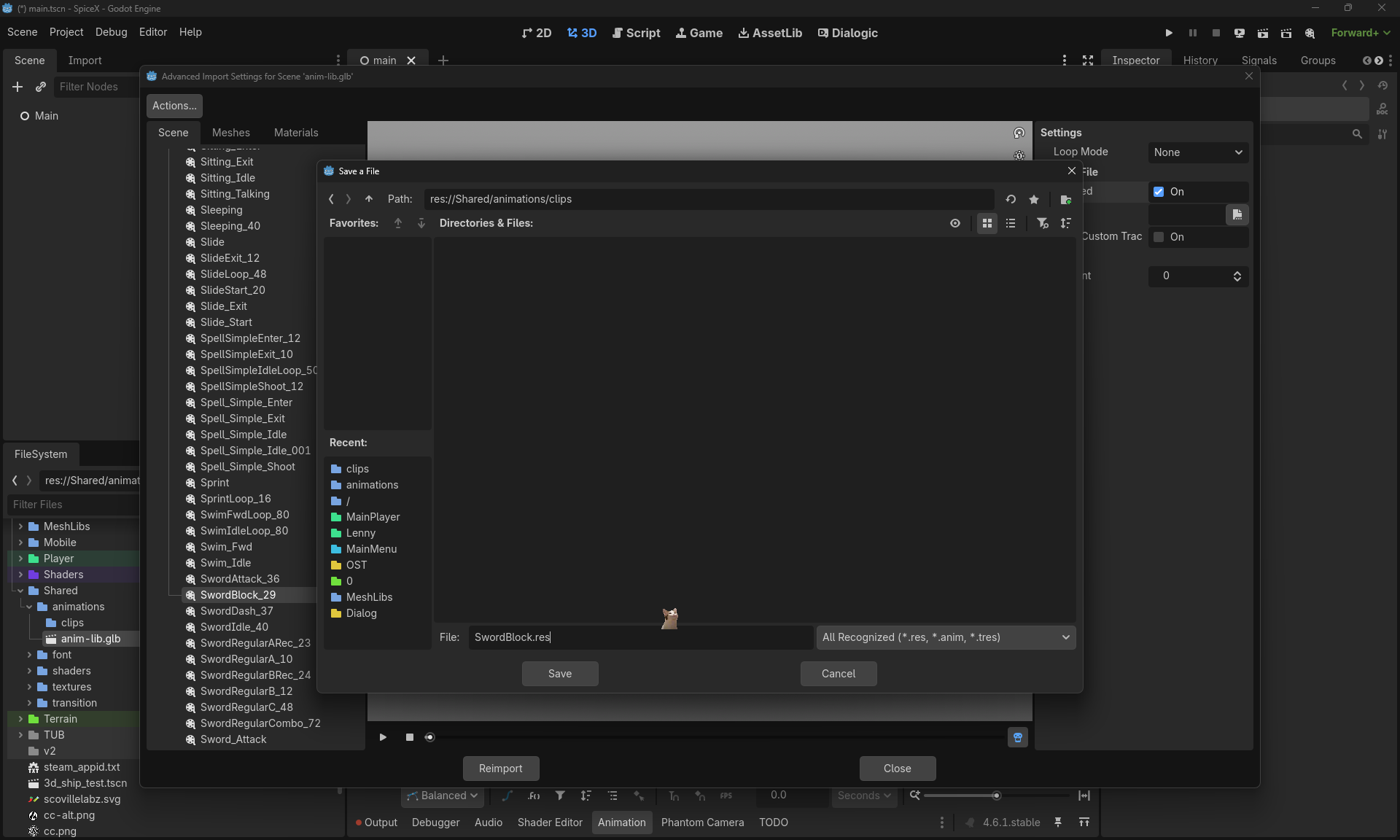
Here I’m extracting SwordBlock from the library and saving it as SwordBlock.res in the clips folder.
Step 3: The 0% of Eternity
Then comes the part we all know and love:
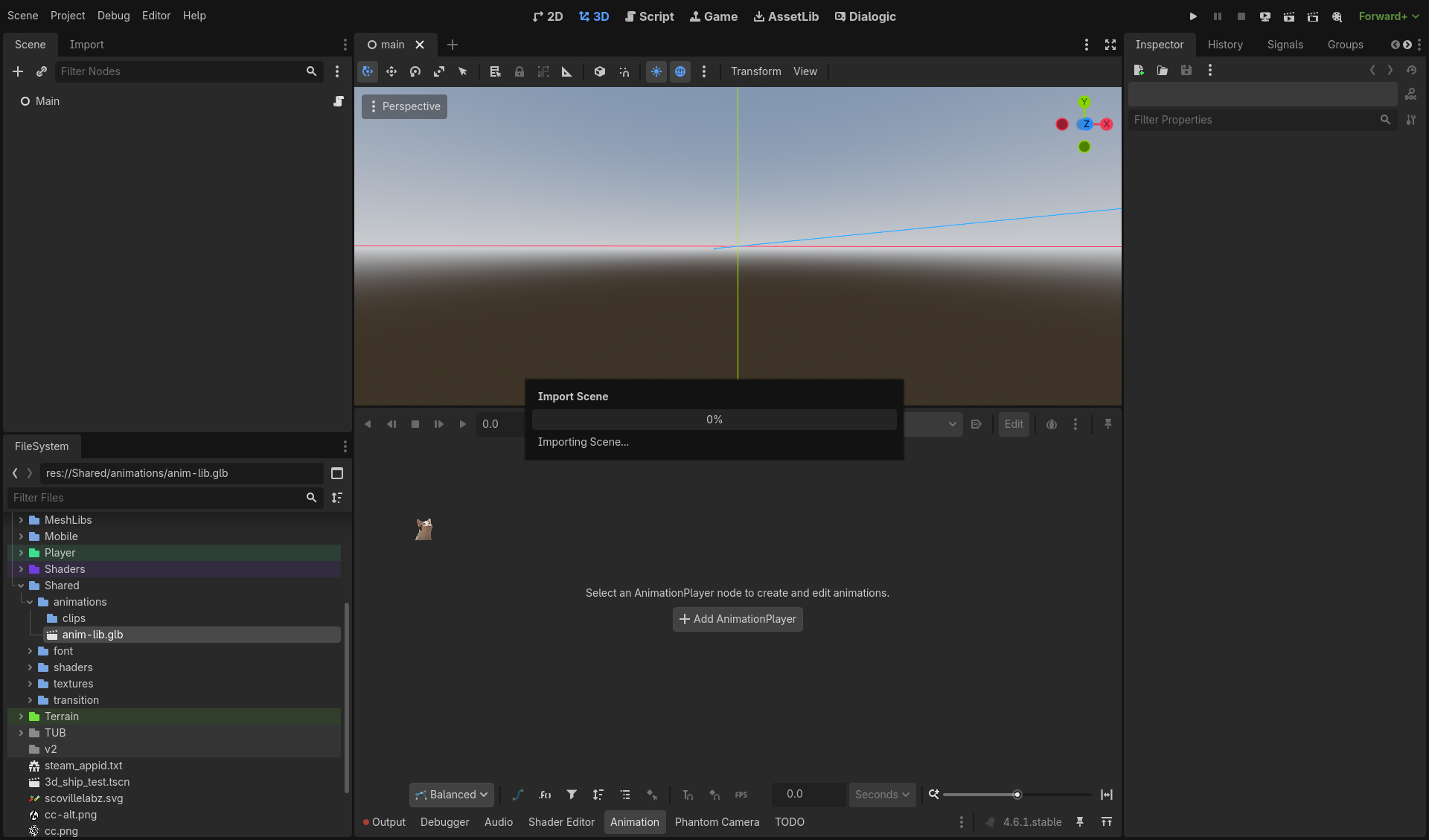
That “Importing Scene…” dialog. The 0% that feels like forever. The progress bar equivalent of “be patient, human.”
But hey, once it’s done, it’s done. The clip lives forever in the project, ready to be reused.
Why This Workflow Wins
1. Single Source of Truth
Animation updates happen in one place. Fix a timing issue in the source, re-extract the clips, done. No more “did I update version 4 or version 7?“
2. Granular Control
Each clip can have its own import settings. Loop mode? Different for idle vs. attack animations. Compression settings? Optimized per-clip.
3. Reusability
That SprintLoop.res file? Can be used by multiple characters. The clips folder becomes a shared resource library.
4. Clean Scene Files
Instead of loading a massive 45-animation file into every scene, I only reference the 3-4 clips that character actually needs. Performance win.
Putting It All Together
Here’s Cleetus in the scene with the spring bone physics visualization active:
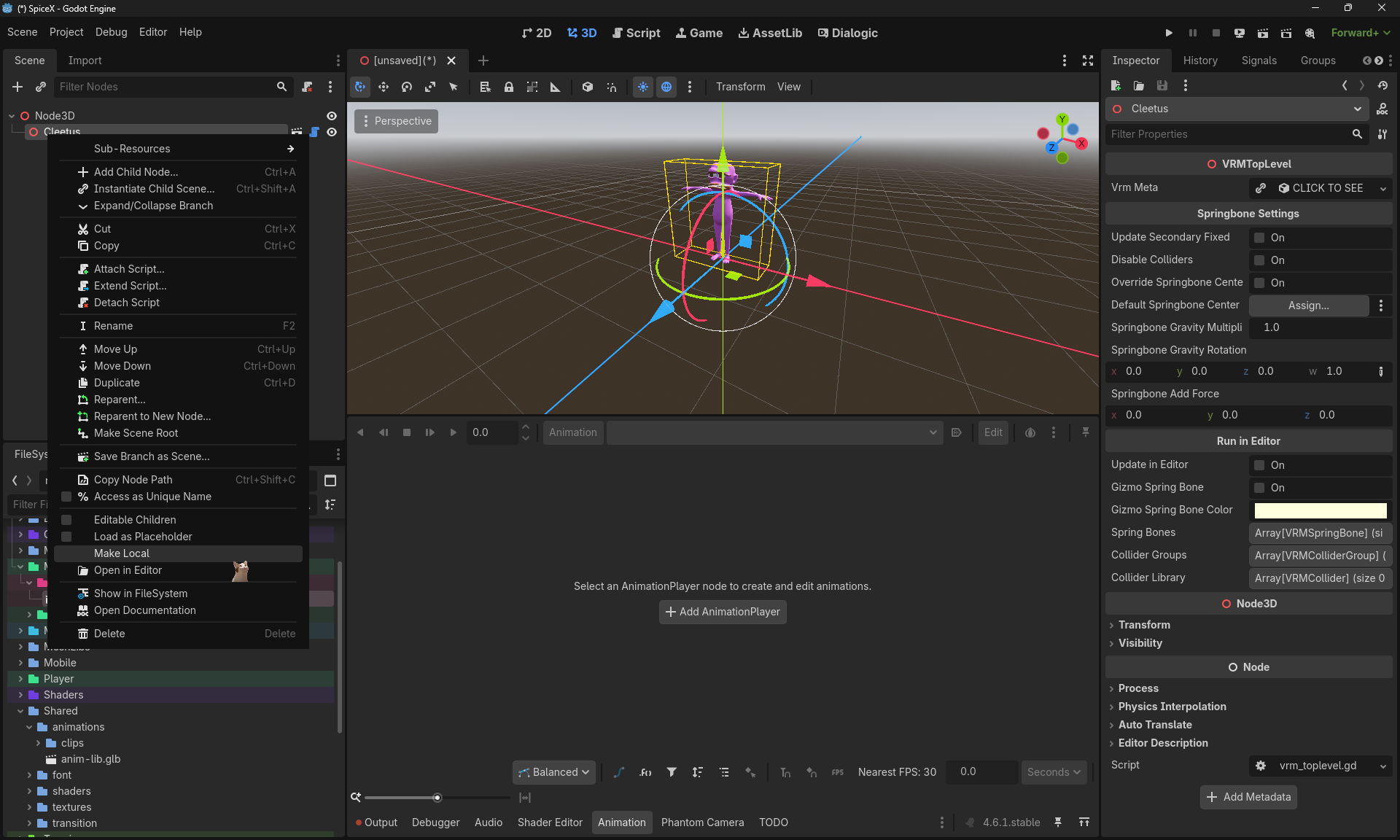
The yellow/orange gizmos are the spring bone colliders. This is the character that uses those extracted clips.
The actual usage in code is clean:
@onready var anim_player: AnimationPlayer = $"Cleetus/AnimationPlayer"

func _ready() -> void:
    # Load clips from the organized folder
    var idle_anim = load("res://Shared/animations/clips/SpellSimpleIdleLoop.res")
    var attack_anim = load("res://Shared/animations/clips/SwordBlock.res")

    anim_player.add_animation("idle", idle_anim)
    anim_player.add_animation("block", attack_anim)

func block() -> void:
    anim_player.play("block")
The Bigger Picture
This workflow isn’t just about organizing files—it’s about scalability.
As SpiceX grows (more levels, more characters, more animations), having a systematic approach becomes essential. The alternative? Chaos. And nobody wants to debug animation import issues at 3 AM.
The pipeline:
- Source → One master
.glbwith everything - Extract → Individual
.resclips with proper settings - Organize → Logical folder structure (
/clips,/characters,/levels) - Reference → Clean, performant scene files
Pro Tips
Naming Conventions Matter
Use descriptive names in the source file:
SwordBlock_29→ 29-frame sword block animationSprintLoop_16→ 16-frame sprint cycleSpellSimpleIdleLoop_50→ 50-frame looping idle
The frame count in the name helps when syncing timings.
Loop Mode Configuration
In the Advanced Import Settings, set appropriate loop modes:
- Once → Attacks, dashes, one-shot actions
- Loop → Idle, walk, swim cycles
- PingPong → Subtle breathing animations
Version Control Strategy
The .glb source file lives in version control. The extracted .res files can be regenerated, so I .gitignore the /clips folder on some projects. For SpiceX, I keep them checked in for faster CI builds.
What’s Next?
Now that the animation pipeline is clean, I can focus on the fun stuff:
- Blend trees for smooth transitions between clips
- Animation events for syncing VFX and SFX
- Procedural layering (IK adjustments on top of base animations)
But none of that works well without solid foundations. And now? The foundation is solid.
“One day you’re drowning in animation files. The next day you’re extracting clips like a librarian with a really specific set of skills.”
— Cleetus, professional clip extractor 🤡
#Godot4 #GameDev #AnimationWorkflow #SpiceX #OrganizationPorn